
Download iKiwi – File Sharing, Nova Protocol, Secure Transfer, Mobile Collaboration
Overview
iKiwi is a file sharing application designed to facilitate seamless information exchange among users, particularly within smaller project teams. The app operates using Nova protocols, which are intended to enhance data transfer efficiency across local networks. By leveraging these protocols, iKiwi aims to provide fast and reliable file sharing, reducing delays and improving collaboration workflows. Its primary purpose is to simplify the process of transferring files between devices without relying on cloud storage or third-party services.
The application is tailored for users who need a lightweight, direct transfer solution, especially in environments where internet connectivity may be limited or security is a priority. Real-world use cases include team meetings, on-site project coordination, and rapid document exchange between colleagues. The target audience includes small business teams, freelancers, and collaborative groups that require a straightforward method for sharing files without complex setup procedures.
Although the developer did not provide additional technical details, the app’s long-standing presence since its release on February 2, 2012, suggests a stable foundation. The fact that it continues to function with a focus on direct network-based transfers indicates a niche but consistent role in the mobile app ecosystem. For users seeking a non-cloud-based alternative for file sharing, iKiwi offers a dedicated utility tool that emphasizes direct connectivity and simplicity.
Key Features & Functionality
- Nova Protocol Support: iKiwi utilizes Nova protocols to optimize data transmission across local networks. This feature enables faster and more secure file transfers by leveraging established network standards, ensuring compatibility and reliability during exchanges.
- User-Friendly Design: The app features a simple, intuitive interface that requires minimal training. This design approach allows users of all technical levels to navigate the app effortlessly, reducing the learning curve and enabling immediate use in collaborative settings.
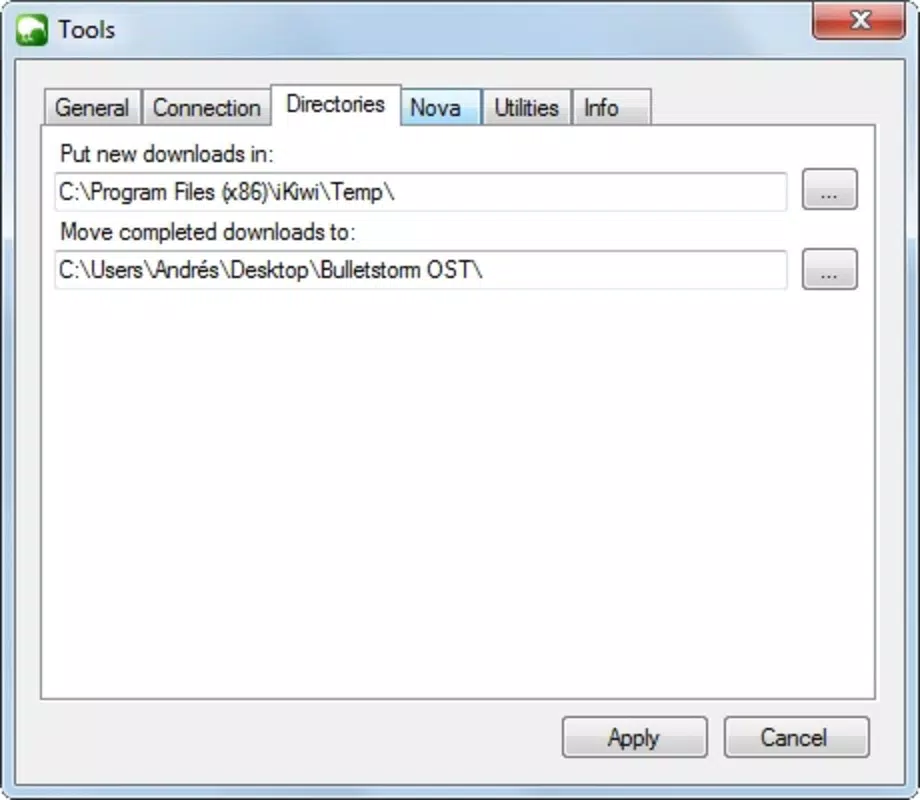
- Port Management: Users must manually open and assign specific network ports to enable communication between devices. This functionality supports smooth file sending and receiving, particularly in environments where firewall or network restrictions may interfere with standard transfer methods.
- Direct Device-to-Device Transfer: iKiwi enables direct file sharing between devices without the need for cloud storage or internet dependency. This makes it ideal for offline collaboration, secure transfers, and environments with restricted connectivity.
For example, a small design team working on-site can use iKiwi to instantly share high-resolution images and project files without uploading them to external servers. Similarly, field workers can exchange reports and documents in remote locations where internet access is unreliable. The port management feature ensures that transfers remain stable even in complex network setups, while the Nova protocol support maintains consistent performance across different devices.
Interface, UX & Performance
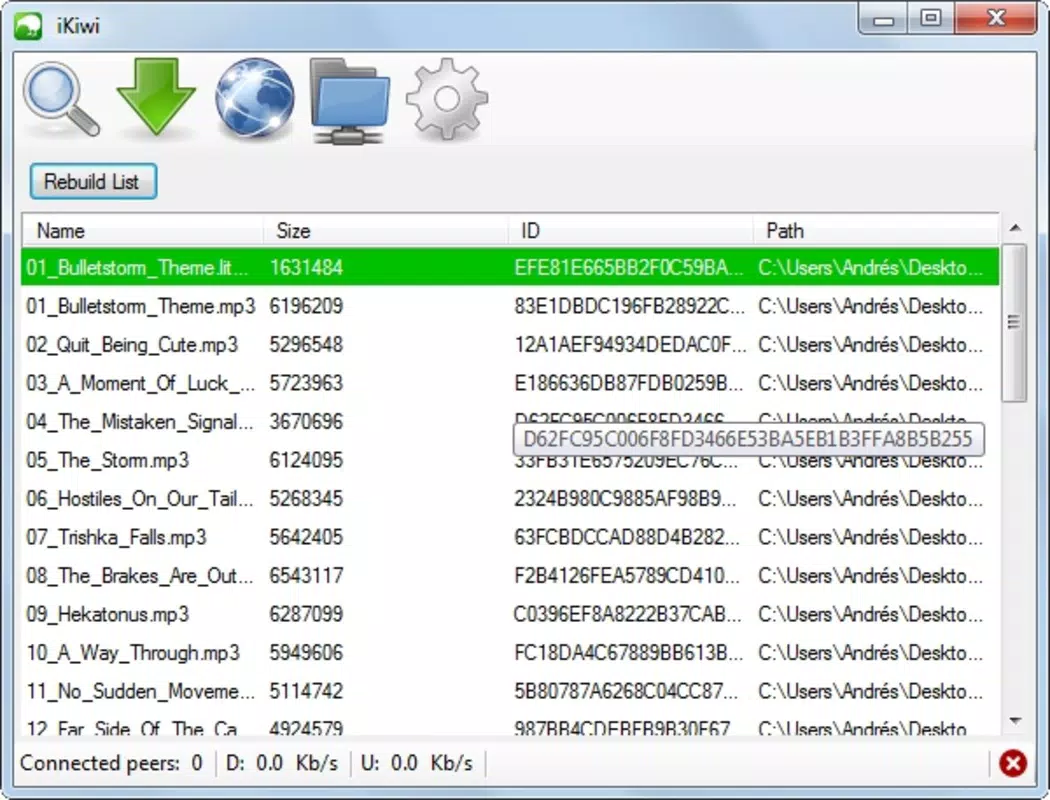
The interface of iKiwi reflects a minimalist design philosophy, focusing on clarity and functionality. Navigation is straightforward, with core actions such as initiating a transfer, selecting files, and managing network settings presented in a clean layout. The visual style is utilitarian, prioritizing usability over decorative elements, which aligns with its purpose as a productivity tool.
Users can expect a consistent experience across various device categories, though specific performance metrics were not disclosed. Although the developer did not list formal performance metrics, the app’s continued operation since 2012 suggests a level of stability and compatibility with evolving mobile systems. Responsiveness appears to be optimized for direct network operations, with minimal lag during file selection and transfer initiation.
Stability is likely maintained through the use of established protocols, which reduce the risk of connection drops or transfer failures. However, the need for manual port configuration may introduce variability in user experience depending on network setup. Despite this, the overall UX remains accessible, especially for users familiar with local network operations. The app does not appear to include excessive animations or background processes, which contributes to a lightweight and efficient operation.
Platform Compatibility & Technical Requirements
iKiwi is available for Android, though specific OS version requirements were not listed. The app’s file size is not disclosed, but its focus on direct file transfer suggests a lightweight footprint. The developer did not specify minimum OS requirements, nor did they provide details on supported hardware configurations.
Compatibility information was not fully disclosed, so users should ensure their devices meet general Android standards for network connectivity and background app functionality. The app’s reliance on port management implies that it requires access to local network settings, which may vary across device models and Android versions. While no official limitations were stated, users are advised to test the app in their intended environment to confirm functionality.
Pros and Cons
Pros
- Direct file transfer without cloud dependency
- Uses established Nova protocols for reliable performance
- Simple interface suitable for users of all skill levels
- Designed for secure, offline collaboration
- Lightweight and efficient operation
Cons
- Manual port configuration may be challenging for novice users
- Developer did not provide detailed system requirements
- No official updates or changelog information available
- Compatibility with newer Android versions is uncertain
- Limited public documentation on advanced features
FAQ
Is iKiwi safe to use for file transfers?
Yes, iKiwi operates on local networks using Nova protocols, which are designed to ensure secure and efficient data exchange. Since files are transferred directly between devices without cloud storage, the risk of unauthorized access is reduced.
Can I use iKiwi without an internet connection?
Yes, iKiwi is designed for direct device-to-device transfers over local networks, making it fully functional without an internet connection. This feature is ideal for offline collaboration and secure file sharing.
Does iKiwi support file encryption?
The developer did not specify whether file encryption is built into the app. However, since transfers occur over local networks using established protocols, the data remains within the user-controlled environment.
How do I set up network ports in iKiwi?
Users must manually open and assign specific network ports within the app settings. This step is required to enable communication between devices and ensure smooth file transfers.
Is iKiwi available for iOS devices?
Based on the available information, iKiwi is currently only confirmed for Android. No official release or compatibility details for iOS were provided.
Final Thoughts
iKiwi stands out as a focused utility tool for users who value direct, secure, and efficient file sharing. Its reliance on Nova protocols and local network transfers makes it a reliable option for small teams and professionals working in environments with limited or no internet access. While the app lacks modern polish and updated documentation, its core functionality remains relevant for specific use cases.
For those seeking a lightweight, non-cloud-based solution to streamline collaboration, iKiwi offers a practical alternative. The simplicity of its interface and the absence of subscription fees enhance its value proposition. However, users should be prepared for manual setup and potential compatibility challenges on newer devices.
Download iKiwi now


